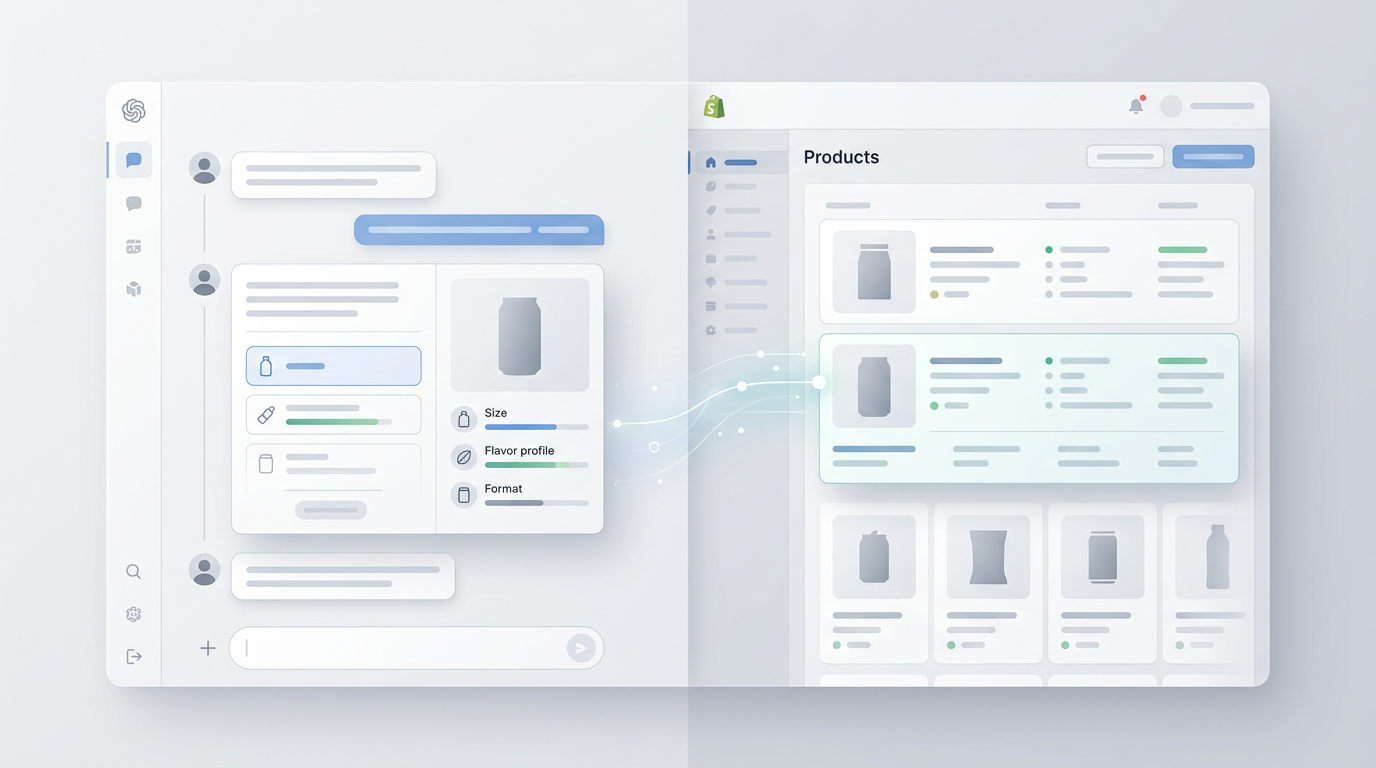


How We Use AI Across the Shopify Migration Process
 Ryan Kodzik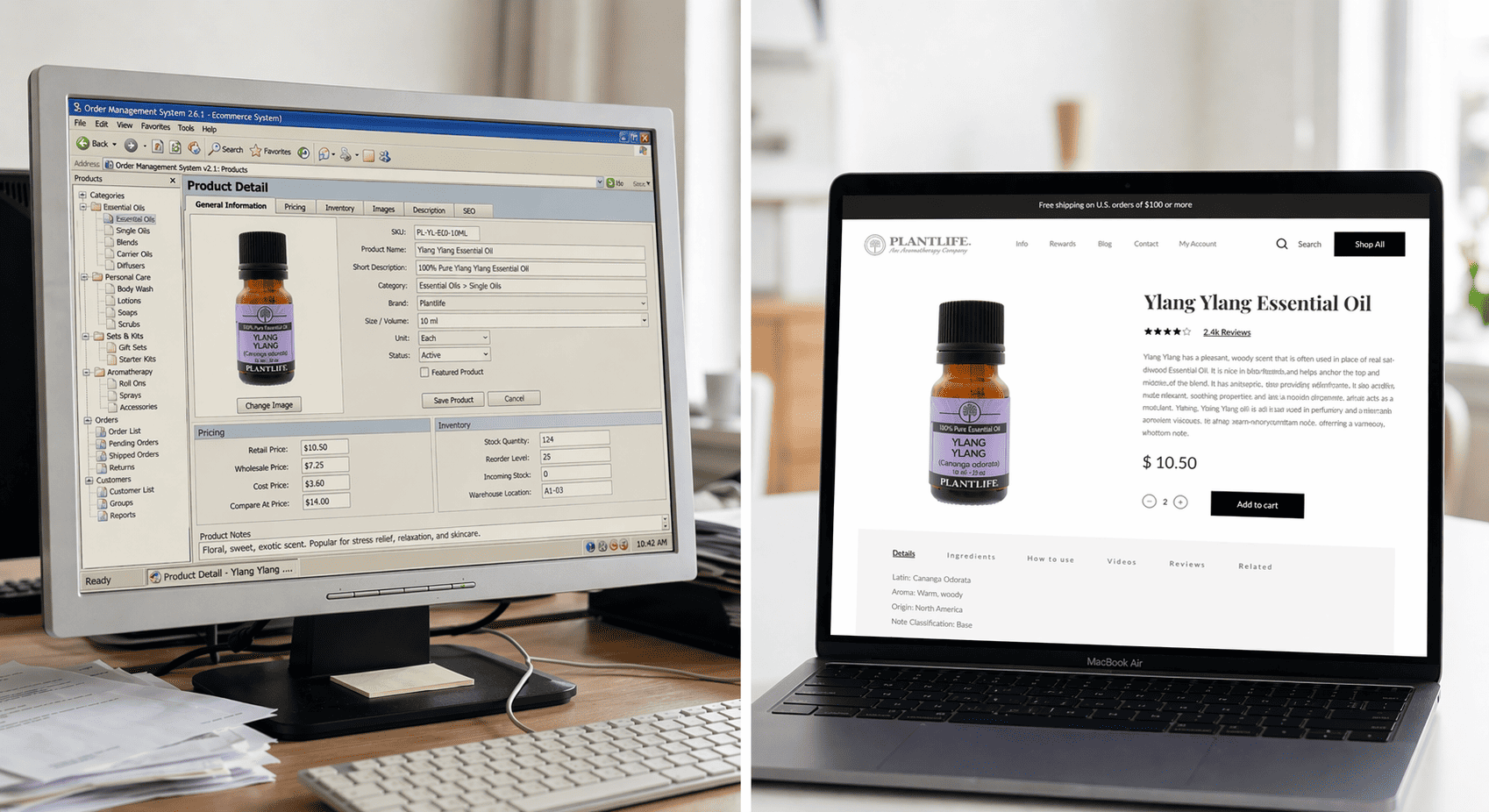
Migrating to Shopify is one of the higher-stakes decisions a brand can make. Done well, it sets you up for years of cleaner operations and stronger growth. Done poorly, it costs you traffic, customers, and months of cleanup.
AI hasn’t changed what a good migration requires. It has changed how thoroughly and consistently we can deliver it.
Here’s how AI is part of our migration work, from the initial store analysis through launch day and beyond.
Starting With the Store You Have
Before we move anything, we need to understand what we’re moving. For brands coming off complex platforms, custom-built carts, heavily modified Magento setups, multi-region WooCommerce installs, that analysis used to take considerable time and carry real risk of missed details.
We now use AI to analyze legacy store architecture systematically. Feeding a non-Shopify store’s structure, custom logic, and third-party integrations into an AI workflow lets us build a more complete migration plan. Edge cases that might surface two weeks into a project surface in the first few days instead. That matters when timelines are tight and the cost of surprises is high.
Our developers work within Shopify’s AI Toolkit throughout this process, a set of tools that connects AI agents directly to Shopify’s live documentation and API schemas. The practical result: our team gets answers grounded in current platform behavior, not training data from a year ago.
Automated QA: More Coverage, Less Guessing
QA is where migrations most often have problems. Not in the data transfer, but in what breaks quietly after the transfer. A checkout that works in desktop Chrome fails on mobile Safari. A discount code that worked on the old platform doesn’t apply correctly. An integration that looked clean in staging behaves differently with real product data.
We’ve built AI-assisted QA into our migration process. Claude can move through a staging store, execute a defined set of tasks, browse product collections, add items to cart, apply discounts, complete a test checkout, and report back on what worked and what didn’t. This isn’t a replacement for human review. It’s a first pass that catches the mechanical failures before a developer or QA specialist has to find them manually.
The result is more consistent coverage and faster iteration. When something breaks in QA, we find it earlier and have more time to fix it cleanly before launch.
Localization: How We Launched Plushie Dreadfuls in Japan
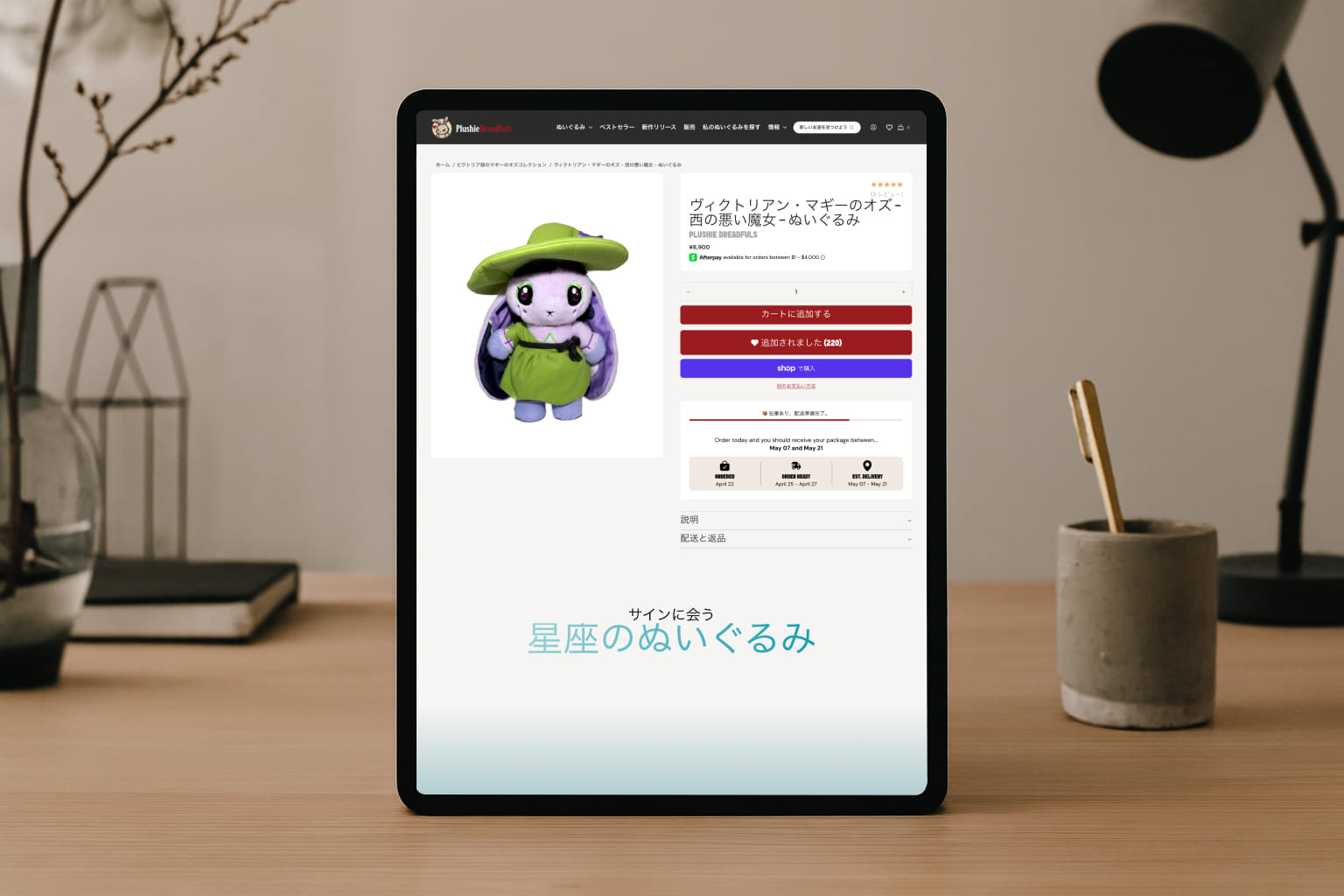
When Plushie Dreadfuls needed a Japanese-language Shopify storefront, translation was only part of the challenge. Product descriptions, collection pages, navigation, and checkout-adjacent copy all needed to read naturally to a Japanese audience, not just be technically accurate.
We used an AI-driven translation workflow to handle the full volume of storefront copy, with targeted human review to catch anything that needed cultural refinement rather than just literal accuracy. AI handled the scale. Human judgment handled the nuance. The result is a storefront that reads like it belongs in that market, and we had it live in under a week.
This hybrid model, AI for volume and human review for quality, is the approach we take to any serious localization project. It’s faster than a traditional process without cutting corners on accuracy.
💡 Recommended Reading: How We Launched the Plushie Dreadfuls Japan Storefront
Content Generation: Launch-Ready Product Pages
A migration is a natural point to clean up product content. Titles that were vague, descriptions that were thin, metadata that was never properly filled in, these don’t automatically improve when you move platforms.
We’ve tested AI-assisted content generation in our development environments, using it to produce improved product titles and descriptions at scale based on brand voice guidelines and SEO parameters. The goal isn’t to replace editorial judgment. It’s to produce a strong draft that a human can refine, rather than starting from scratch across hundreds of SKUs.
For brands that have been tolerating weak product content for years because fixing it manually felt too slow, the migration project is the right moment to address it.
Shopify Sidekick and Gadget.dev: Tools Inside Our Workflow
Beyond Claude and the Shopify AI Toolkit, two other tools show up regularly in our migration work.
Shopify Sidekick is useful for brainstorming custom reports and working through flow logic before handing off to the team for implementation. It’s not where the heavy lifting happens, but it’s a fast way to get oriented on what Shopify’s native toolset can do before scoping custom work.
For migrations that involve custom app development, our developers use Gadget.dev and its AI tooling to help optimize custom app code, a way to work faster on the custom app layer without losing precision.
What This Means for Your Migration
The goal isn’t AI for its own sake. It’s fewer surprises during the project, more confidence at launch, and a store that’s genuinely better than what you left behind.
AI gives us more coverage in QA, more speed in localization, more consistency in content, and more clarity in planning. Combined with human expertise and Shopify’s current tooling, it makes a complex process more predictable.
If you’re planning a move to Shopify and want to talk through what the process would look like for your store, we’re easy to reach.
💡 Recommended Reading: How We Use AI to Run Shopify Stores After Launch
Frequently Asked Questions
How is AI used in a Shopify migration?
AI supports four parts of the work: analyzing legacy store architecture before the move, running automated QA on the staging store, handling high-volume content and translation work with human review, and drafting improved product content at scale. It does not replace strategy or human judgment. It makes the process more thorough, consistent, and predictable.
Does AI replace developers during a Shopify migration?
No. AI handles first-pass work like mechanical QA checks and content drafts, then developers and QA specialists review and refine. AI catches the obvious failures early so the team spends its time on judgment calls and edge cases. The combination is faster than a fully manual process without cutting corners.
How does AI help find problems before a Shopify store launches?
We use AI-assisted QA to move through a staging store and run defined tasks: browsing collections, adding items to cart, applying discounts, and completing test checkouts, then reporting what failed. This catches issues that break quietly after data transfer, like a checkout that works on desktop Chrome but fails on mobile Safari. Finding these early leaves more time to fix them cleanly before launch.
Can AI improve product descriptions during a migration?
Yes. A migration is the natural moment to fix thin titles, weak descriptions, and missing metadata that do not improve on their own when you switch platforms. We use AI-assisted content generation to produce strong drafts at scale based on brand voice and SEO parameters, then a human refines them. This beats rewriting hundreds of SKUs from scratch.
What tools do you use in an AI-assisted Shopify migration?
Our developers work inside Shopify’s AI Toolkit, which connects AI agents to Shopify’s live documentation and current API schemas so answers reflect current platform behavior. We use Shopify Sidekick for brainstorming reports and flow logic, and for custom app development we use Gadget.dev and its AI tooling to optimize code. Each tool sits inside a workflow guided by human expertise.
Is an AI-assisted migration safe for a complex store?
Yes, and it often reduces risk for complex builds. For brands on custom carts, heavily modified Magento, or multi-region WooCommerce, AI analyzes the existing architecture systematically so edge cases surface in the first few days instead of two weeks into the project. Earlier visibility means fewer surprises when timelines are tight.
Ready to put this into practice?
We build and grow Shopify stores for DTC brands, from store design and development to Klaviyo and full-scale CRO programs. If you want to talk through what this looks like for your store, book a call. No pitch, just a conversation.
Book a discovery callRelated Articles